Glean Plugin for Cursor
Installation
1
Set up the Glean MCP Server
The plugin requires a Glean MCP connection. Use the Glean configurator to connect Cursor to your organization's Glean instance. Authentication uses Glean's OAuth server where enabled, or a Glean API token as a fallback.
Open MCP Configurator2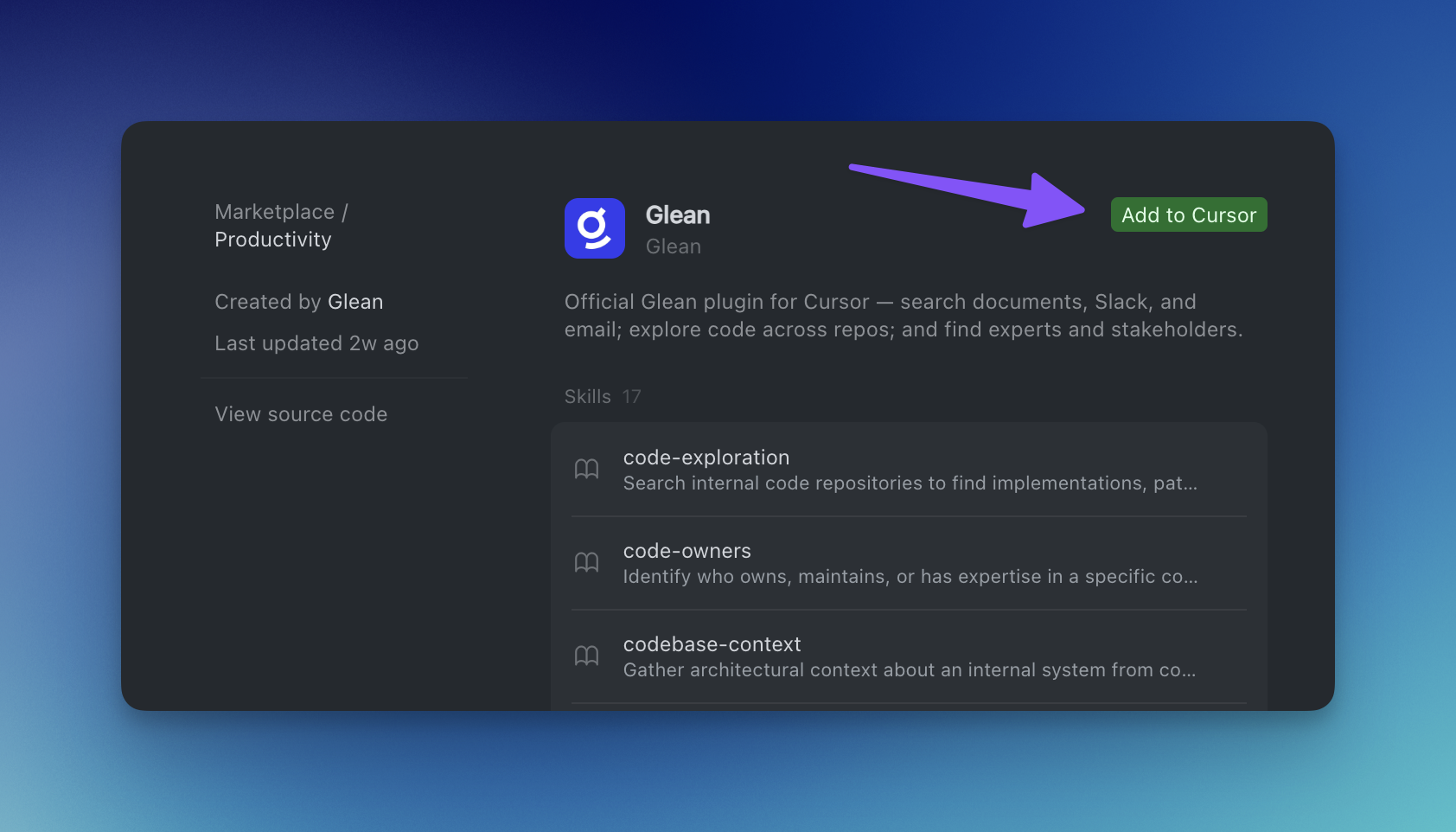
Install the Glean Plugin
Find and install the Glean plugin from the Cursor Marketplace.
- In Cursor, open Customize → Plugins, or browse the Cursor Marketplace
- Search for "Glean"
- Click Add to Cursor